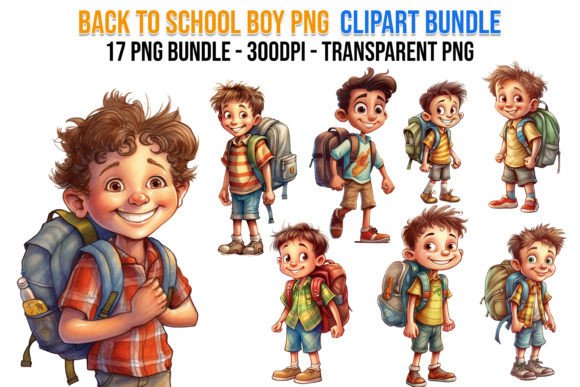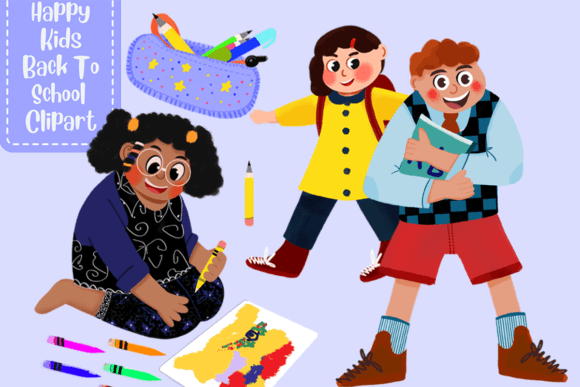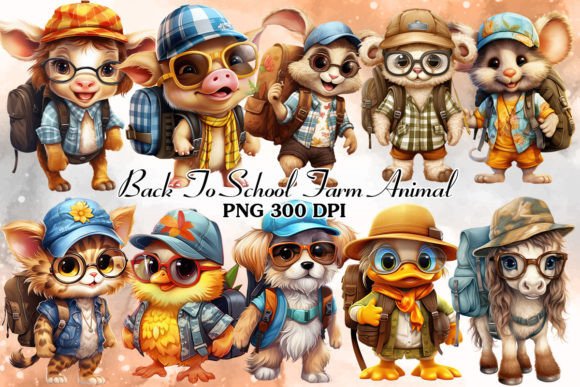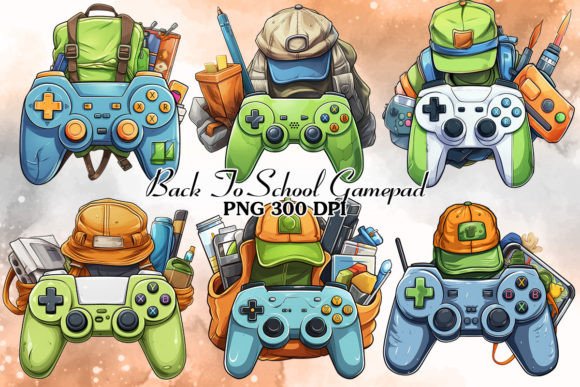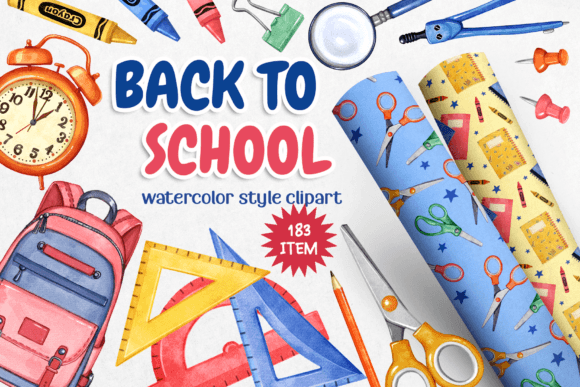
Back to School, Big Clipart Collection
For educators designing classroom materials, small business owners launching seasonal product lines, or freelance designers building themed social media kits—Back to School, Big Clipart Collection isn’t just another download. It’s a workflow accelerator: a curated, production-ready asset library built to reduce friction between idea and execution. Unlike generic clipart packs scattered across inconsistent resolutions or color schemes, this collection is structured around real creative workflows—from early planning through final export—and designed to integrate cleanly with tools you already use.
How It Fits Into Your Creative Process
This collection supports three distinct phases of work: preparation, execution, and scaling. In preparation, it replaces hours spent sourcing, editing, or redrawing school-themed elements. Instead of hunting for isolated pencils, notebooks, or apples with transparent backgrounds—or worse, settling for low-DPI JPEGs that blur when scaled—you start with 125 high-quality PNGs, all at 300 DPI and ready for print or digital use. That means your moodboard, pitch deck, or client proposal begins with visual consistency—not compromise.
During execution, the pre-arranged compositions (16 PNGs) act as layout anchors. Need a quick Instagram story banner? A printable welcome sign for your classroom door? A header for a teacher newsletter? These aren’t decorative afterthoughts—they’re time-tested arrangements tested for balance, spacing, and visual hierarchy. You’re not starting from zero; you’re adapting from proven foundations.
When scaling—whether for merch, lesson plans, or marketing campaigns—the 20 seamless patterns (JPEG + 5 transparent PNG repeat tiles at 3600 × 3600 px) become essential infrastructure. Use them as notebook covers, sublimation backgrounds for tote bags, or subtle textures behind digital worksheets. Because they tile perfectly, you avoid visible seams on large-format prints or responsive web layouts—a common pain point with non-seamless assets.
Real-World Integration With Common Tools & Platforms
You don’t need special software to benefit. These files work natively in Canva, Adobe Photoshop, Illustrator, Affinity Designer, Procreate, and even Google Slides or PowerPoint. The transparent-background PNGs drop cleanly into layered documents without clipping masks or background removal steps. The lined-paper borders (11 total, each with transparency) align precisely over notebook templates or printable planners—no guesswork adjusting stroke weight or baseline alignment. And because all files are delivered in standard formats (PNG, JPEG), there’s no proprietary lock-in or conversion overhead.
If you're building digital products—like downloadable planners or editable Notion templates—the card templates (5 pre-made, fully customizable) serve as consistent UI components. They’re sized for standard print dimensions (A6, 4×6, 5×7) but scale cleanly for digital thumbnails or mobile previews. Pair one with your brand font and color palette, and you’ve got a cohesive set of announcement cards, student reward certificates, or parent communication handouts—all in under five minutes.
Workflow Examples Across Roles
Teachers and curriculum designers: Start your August planning by importing the digital papers into your lesson planner template. Use the school supply illustrations to label subject folders in Google Drive or annotate PDF worksheets. Print the decorative borders onto cardstock, cut them out, and use them as physical labels for supply bins—no laminator required, thanks to the crisp 300 DPI resolution.
Small business owners (stationery, apparel, educational toys): Load the seamless patterns into your POD platform’s design tool (Printful, Gelato, or Printify). Apply one as a background layer beneath your logo or slogan—then export directly for mugs, notebooks, or phone cases. The 125 individual elements let you create custom sticker sheets: group related items (glue sticks, scissors, rulers) into themed sets, then export as SVG-compatible PNGs for cutting machines like Cricut or Silhouette.
Bloggers and social media managers: Build a content calendar around back-to-school themes using the pre-arranged compositions as post templates. Swap in your own text, adjust colors to match your brand palette, and schedule across platforms. The bright, cohesive color scheme ensures visual continuity—even if you’re posting across Instagram, Pinterest, and email newsletters—without needing a designer on retainer.
Quality Control and Long-Term Usability
Every file in Back to School, Big Clipart Collection passes two practical thresholds: functional clarity and reusability. Functional clarity means no ambiguous silhouettes—each pencil has a visible eraser, each notebook shows ruled lines and a spiral binding, and every apple includes a stem and leaf. Reusability means intentional design decisions: consistent line weight across illustrations, harmonized saturation levels in the palette (no jarring neon clashes), and scalable vector-friendly proportions—even though these are raster files, their clean edges hold up at any size.
Organization matters too. Files are named descriptively (pencil_01_transparent.png, pattern-checkerboard-blue.jpg)—not cryptically—and grouped logically in folders (Elements, Compositions, Cards, Borders, Patterns). That saves time when searching mid-project and makes version control easier if you’re collaborating or archiving assets across years. Because the collection avoids trendy micro-aesthetics (like heavy grain overlays or forced sketch textures), it stays relevant across multiple school years—not just one season.
Practical Tips for Smoother Implementation
- Batch-import into your asset library first. Whether you use Eagle, Adobe Bridge, or a simple folder system, get everything ingested before your first project. Tag files by use case (e.g., “print,” “social,” “sublimation”) so filtering becomes instant.
- Test print one element before bulk output. Even with 300 DPI, paper type and printer calibration affect color fidelity. Run a single notebook illustration on your target stock to confirm contrast and saturation match your expectations.
- Use the lined-paper borders as guides—not just decoration. Import them into your layout tool at 50% opacity, align your text baseline to the lines, then hide or delete once positioning is locked. This ensures readability in printed handouts.
- Combine patterns with solid-color overlays for depth. In Canva or Figma, place a pattern layer beneath a semi-transparent white rectangle (10–15% opacity) to mute intensity and improve text legibility—ideal for presentation slides or printable headers.
Ultimately, Back to School, Big Clipart Collection works best when treated not as decoration—but as infrastructure. It’s the consistent visual language that ties together your classroom decor, your Etsy listings, your newsletter graphics, and your student-facing materials. When assets behave predictably, scale reliably, and integrate without friction, you reclaim time—not just for more creative work, but for better planning, clearer communication, and more intentional teaching or branding decisions.